Do NOT miss out on the 30% discounted WordPress Plugins Bundle. Get it today!

WordPress Newsletter Plugin

Plugin Information

wordpressA WordPress newsletter plugin which will, without a doubt, blow your mind away with its feature set and additionally integrates flawlessly with the new WordPress interface!

With a vast range of powerful, usable, reliable and unique features, this newsletter software is an incomparable power tool available for you to exploit and use to its fullest potential in order to increase your market value today.

This WordPress newsletter plugin has been well integrated into the Wordpress platform itself and uses the flexibility, power and simplicity of Wordpress to ensure that you have a pleasurable experience as you create your templates, manage subscribers and send out newsletters to a large amount of users.

What does newsletter software do?

The WordPress newsletter plugin is robust newsletter software for WordPress which allows you to gather unlimited email subscribers, organized into multiple mailing lists.

When the time comes to sending out newsletters and email promotions, you can easily access your email subscribers and send out your unlimited emails to the mailing lists of your choice.

There are so many features built into the plugin which makes email marketing a breeze. A wide range of different configuration settings make the plugin flexible and with its integration into your WordPress website you can easily upload media, style your newsletters and send them out just the way you want them to be.

History emails and email tracking statistics show you how many of which emails you have sent out and how many of those were read. Email notifications to the administrator keep you up to date on all events like when someone unsubscribes.

Plugin Features

  • Multiple Mailing Lists
  • Bounce Email Management
  • Newsletter Queue & Scheduling
  • Newsletter Templates
  • Complete Email History
  • Unlimited Sidebar Widgets
  • Post/Page Opt-In Embedding
  • Offsite Subscription Forms
  • Publish Newsletter as a Post
  • Send Post as a Newsletter
  • Add Email Attachments
  • SMTP Authentication
  • Gmail SMTP Capability
  • Ajax Powered Features
  • Import/Export Subscribers
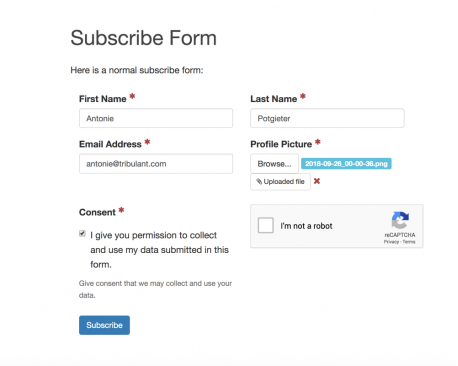
  • Custom Dynamic Opt-In Fields
  • Paid Subscriptions (PayPal & 2CheckOut)
  • Integrates with the banner rotator plugin
  • WordPress MU Compatible
  • Unlimited Subscribers/Contacts
  • Email Tracking
  • IP Logging of Subscribers
  • Updates Notification
  • WordPress 3.0 Compatible
  • Newsletter Themes
  • POP/IMAP Bounce Handling
  • Latest Posts Subscription
  • Unlimited emails/newsletters
  • Single/Multiple Posts into Emails
  • Bit.ly click tracking
  • Autoresponders
  • Newsletters by conditions
  • qTranslate support
  • Custom Post Types

Plugin Screenshots

  • subscriber-statistics

    Subscriber Statistics

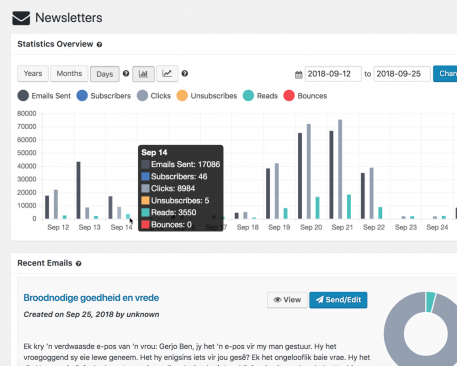
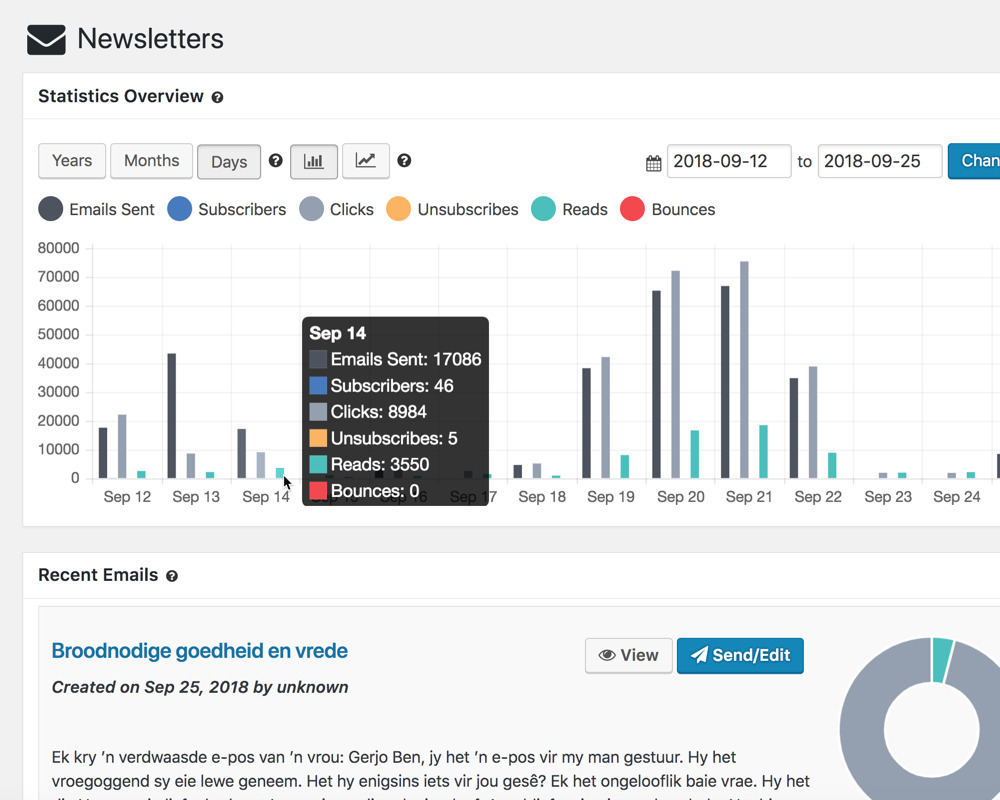
    The subscriber statistics will show you the number of subscribers for the past week, each day respectively.

  • flexible-configuration

    Flexible Configuration

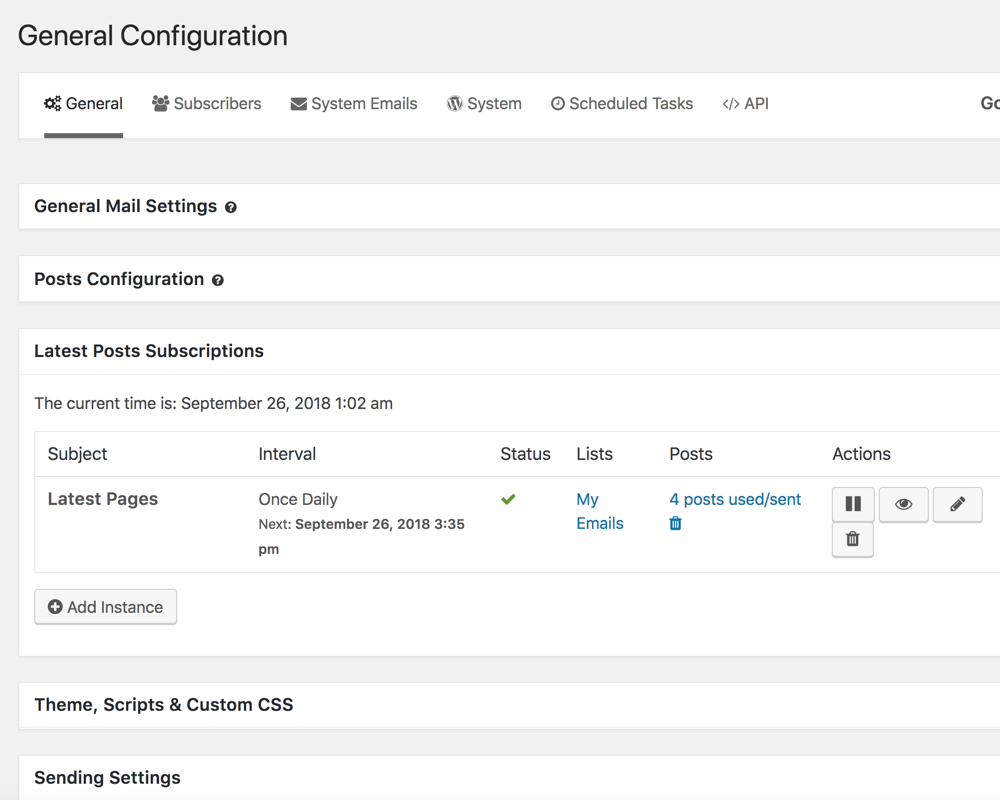
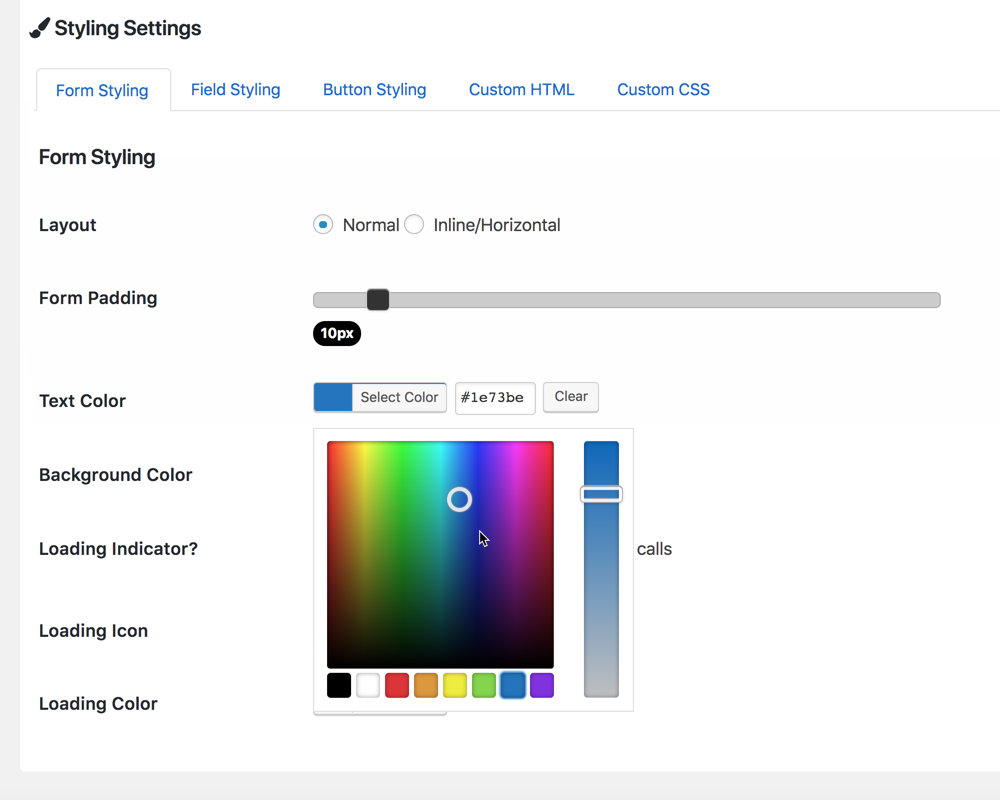
    Configure the plugin to suit your personal/business needs. The settings allow you to change the behavior of the plugin as a whole.

  • historydraft-emails

    History/Draft Emails

    In the "History/Draft Emails" section of the plugin you can view all your past newsletters sent and drafts that you might have saved for future use. These emails can easily be edited as well.

  • newsletter-templates

    Newsletter Templates

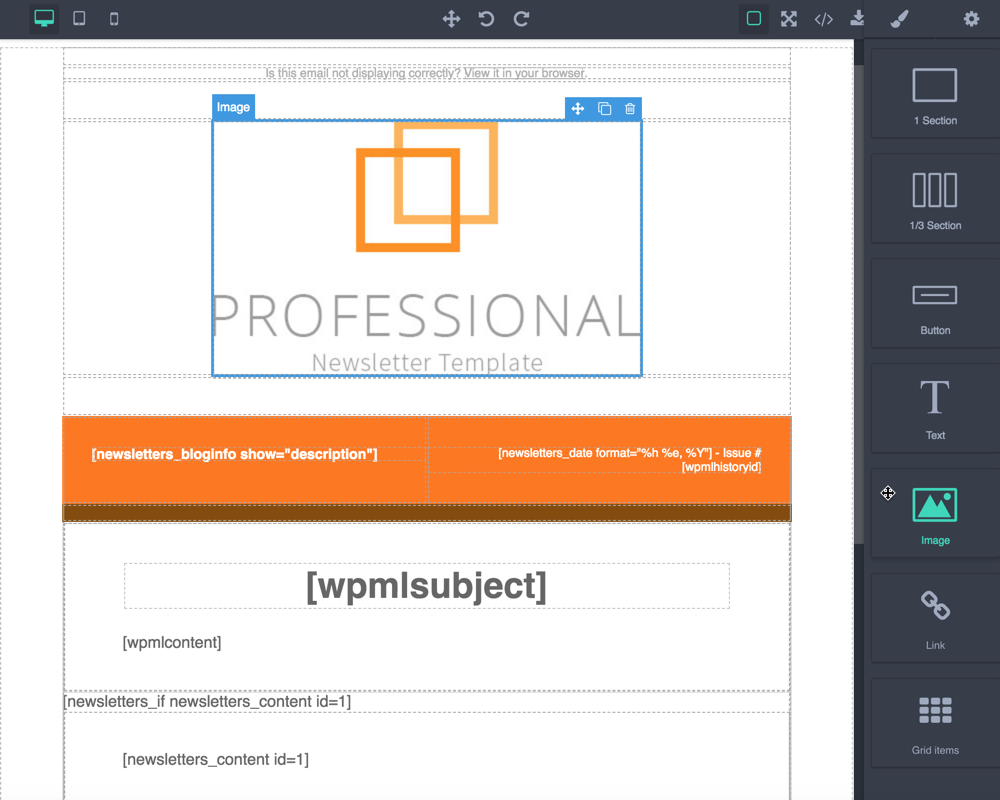
    Save newsletter templates with content or layouts that you use often. These templates can be loaded into the editor at any time to edit and afterwards sent again to multiple mailing lists.

  • email-queue

    Email Queue

    With the email scheduling feature, you can tell the plugin to put emails sent out into a queue and schedule it to fire several emails at an interval. Very useful for load-shedding on your server.

  • export-subscribers

    Export Subscribers

    Save your subscribers from all or a specific mailing list (with custom fields) to a CSV spreadsheet for a backup or to use in a different application. You can specify an email address as well and have it emailed directly to you.

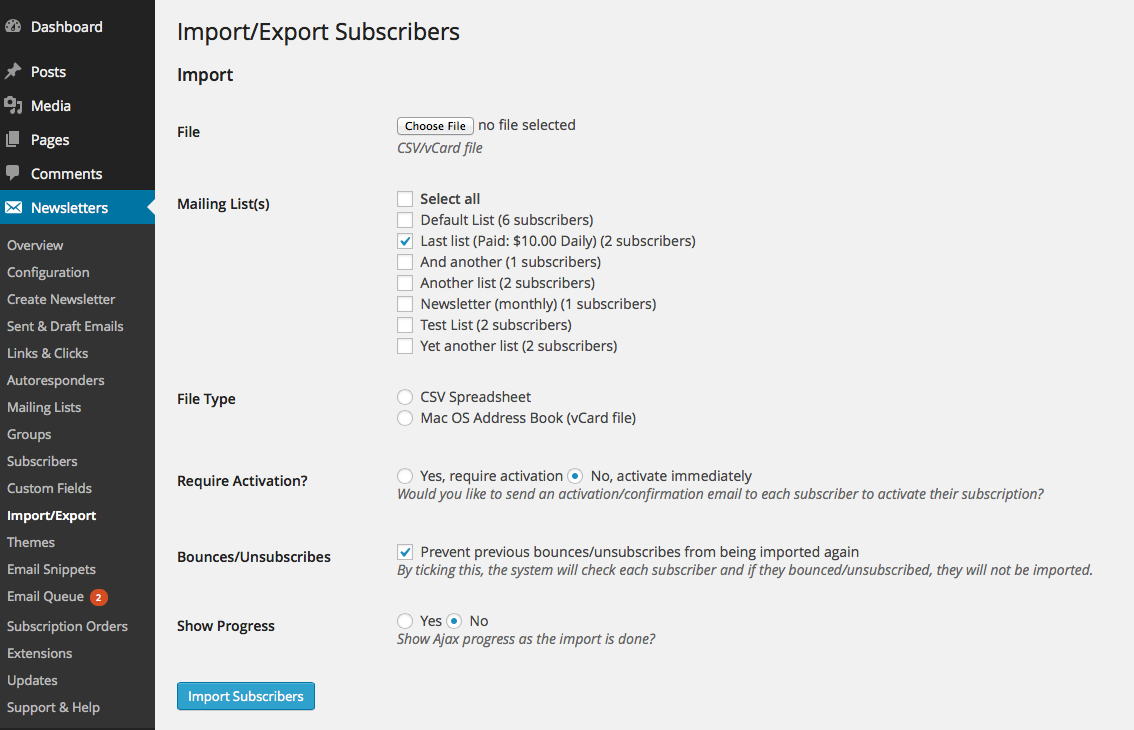
  • import-subscribers

    Import Subscribers

    Recover subscribers and import them from a CSV spreadsheet or Mac OS address book file directly into your WordPress database. Custom fields importing is also supported.

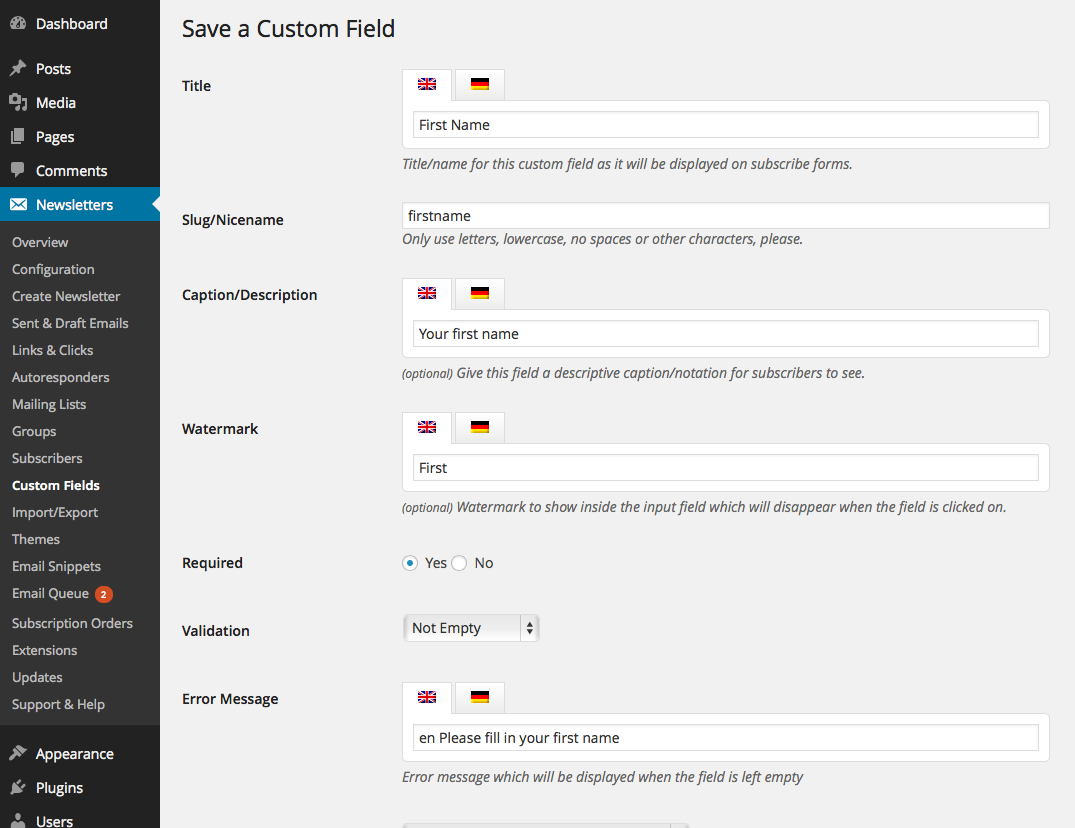
  • custom-dynamic-fields

    Custom Dynamic Fields

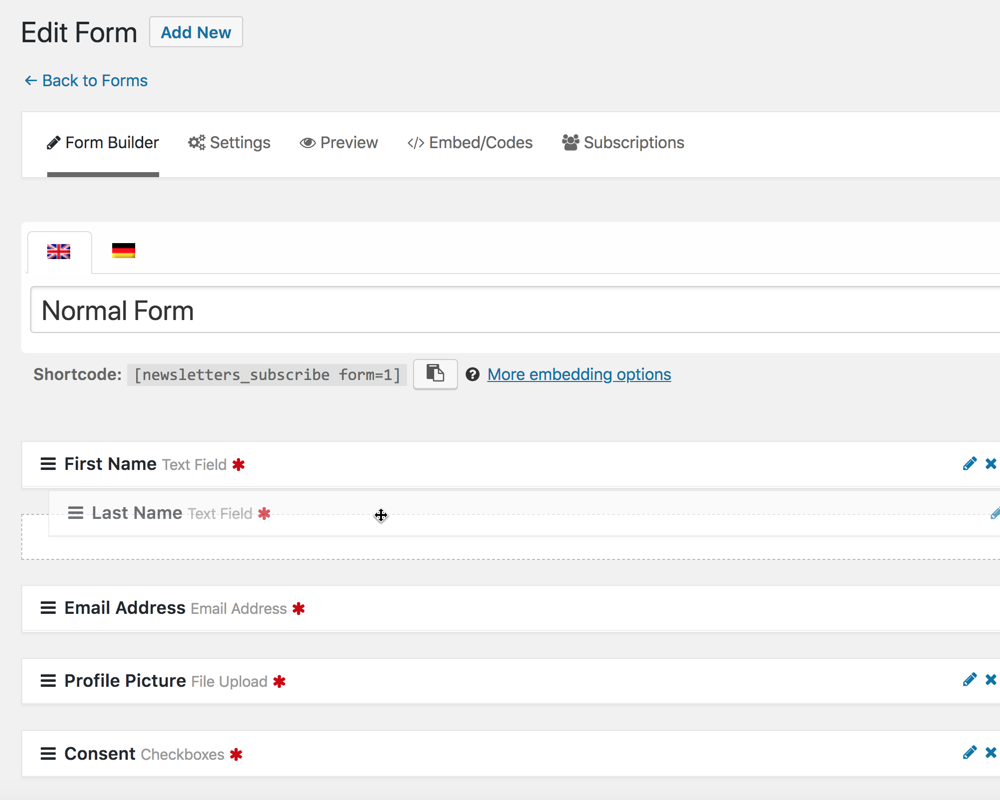
    Create custom fields to capture additional data from your subscribers. Different field types such as text, select, checkboxes, radio buttons and textarea are available.
  • sidebar-widgets

    Sidebar Widgets

    Drag unlimited sidebar widgets to your sidbar(s) and configure each one individually. The widget control gives you the flexibility you need to create the right widget for your site.

  • create-newsletters

    Create Newsletters

    In the "Create Newsletter" section of the plugin you get to take control over a full-featured wysiwyg HTML editor and create beautiful newsletters for your subscribers.

  • multiple-mailing-lists

    Multiple Mailing Lists

    Manage multiple mailing lists and use them each for a different purpose or topic. Execute bulk actions on them to organize your subscribers.

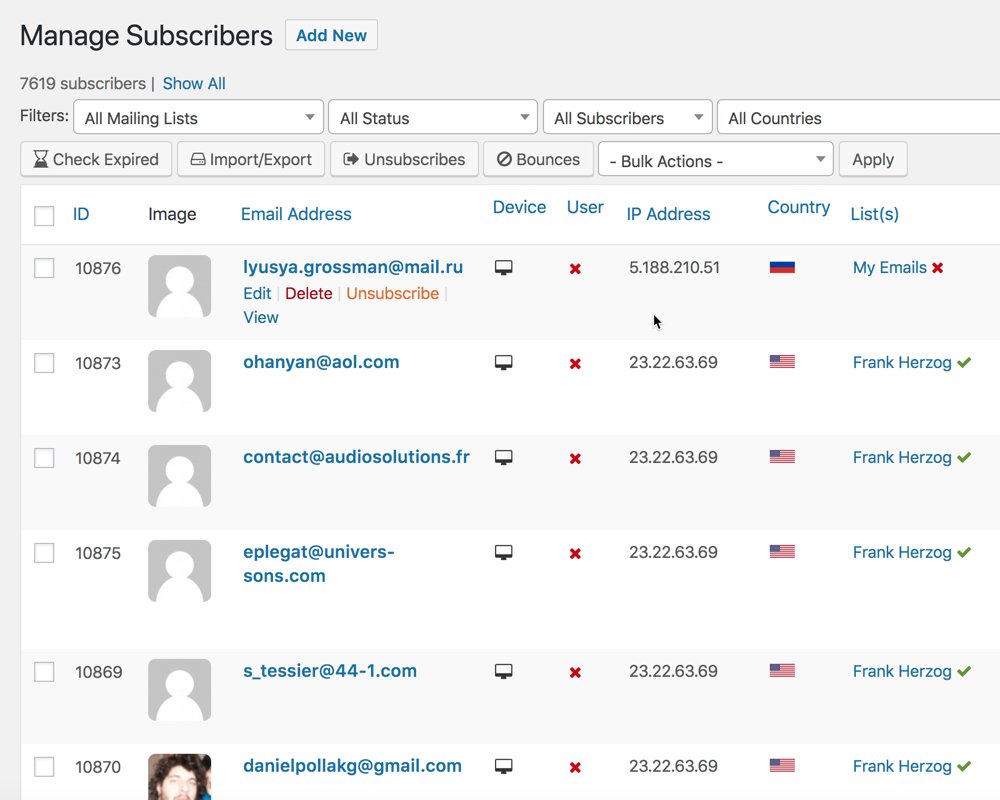
  • manage-subscribers

    Manage Subscribers

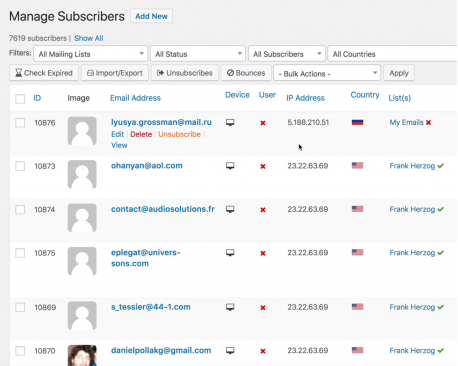
    Manage all your newsletter subscribers and execute bulk actions on them to move then between lists, edit them and more.

  • statistics-overview

    Statistics Overview

    In the dashboard of the plugin, you will be presented with statistics/counts for each of the modules/sections of the plugin.

  • subscription-management

    Subscription Management

    Your subscribers can manage all their subscriptions via an easy-to-use subscription management section on your website.

  • tinymce-newsletter-functions

    TinyMCE Newsletter Functions

    The plugin adds an envelope button/icon to the WordPress TinyMCE editor which allows you to quickly insert subscribe forms, posts and email history into your posts/pages and newsletters.

  • send-postpage-as-newsletters

    Send Post/Page as Newsletters

    You can send newsletter emails directly from the WordPress post/page editing screen by selecting full/excerpt, the theme and the mailing list(s) to send to.

  • autoresponders-campaign

    Autoresponders Campaign

    Set up autoresponder emails for specific mailing list(s) with a unique subject/message of your choice. Autoresponders are fully automated and sends follow-up emails to your subscribers after they have subscribed. This is a very efficient email marketing tool!

  • scheduled-tasks

    Scheduled Tasks

    The "Scheduled Tasks" section in the plugin shows you all scheduled WordPress cron jobs and when they will execute next. You can easily execute tasks from this section as needed.

  • embedded-images-email

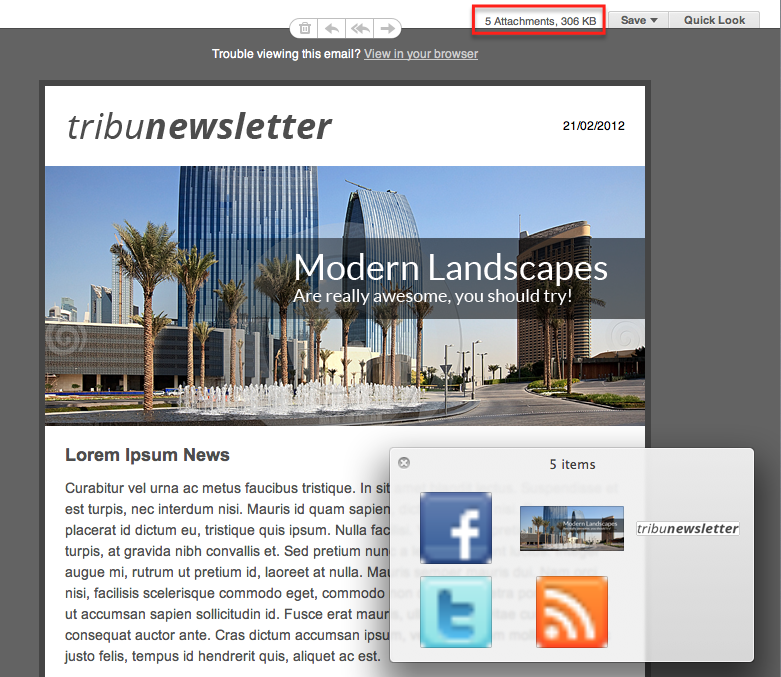
    Embedded Images Email

    Deliver emails to your subscribers without any image warnings and eliminate any waiting periods for remote images to load into emails. This guarantees reliable email images delivery every time!

LiveZilla Live Help

Single $54.99
Unlimited $274.95
  • Plugin Information
  • Version: v3.9
  • Compatible: WordPress 3.3+
  • Last Updated: 17/05/2012
  • Support: FREE

Extensions for this Plugin

What people say

"Absolutely awesome piece of software. Just used it first time. Congratulations on a first-rate job. Wow!!..."

- Yaakov Rich, Congregation Toras Chaim

See all testimonials...

Follow us on twitter Join us on twitter