

Plugin Information

This is truly an extremely useful WordPress plugin which allows you to insert custom user input fields into the registration form and profile editing pages of your WordPress site.
All custom field values are stored as WordPress user meta for each individual user. These user meta values can be reused at a later stage throughout your site if needed.

What is the purpose?
Some webmasters run websites that require more details from a user other than the default username and email address which is integrated into WordPress.
They might need to capture an address, birth date or a selection of options when a user registers. This plugin includes all the tools you could possibly need to achieve this.

Available Input Fields
Below is a list of all the available fields. If there is a specific type of field you need, please let us know and we'll have it developed for you.
- Text Input Fields
- Checkbox(es) Lists
- Radio button(s) Options
- Textarea Input Fields
- Select Dropdown Options
- Year, Month, Day Datepickers
- Countries Dropdown Select
- File Upload Fields

Management Made Easy
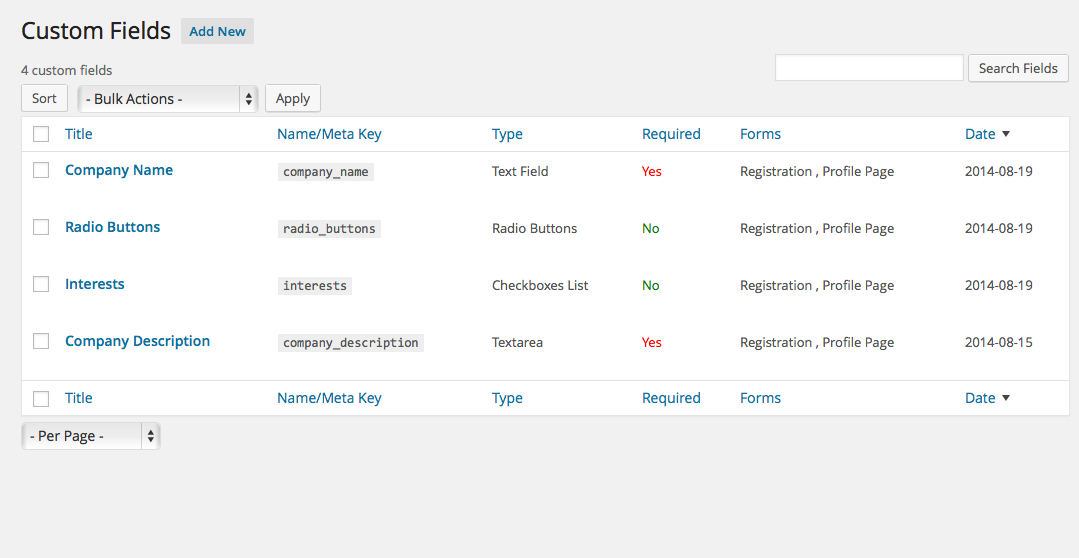
Manage all your custom user fields in one section where you can page through your fields and search for specific ones. Add, edit and delete custom fields as needed.
Manage all countries being used by the predefined countries custom field. You can add, edit and remove countries as needed. Overall management throughout the plugin is extremely user-friendly and efficient.
Plugin Features
- Manage Multiple Custom Fields
- Special Predefined Custom Fields
- Field Validation Option
- User Registration Integration
- Multiple Option Fields
- Manage Country Values
- Full Configuration Section
- Order/Sort Fields
- File Upload Fields
- Hide Default Profile Fields
- Multisite Network Users
- Export Users CSV with fields
Plugin Screenshots
-

Registration Form
Put your custom fields on the WordPress registration form where new users can fill in their details.
-

Manage Countries
Manage all countries being used by the predefined countries custom field. You can add, edit and remove countries as needed.
-

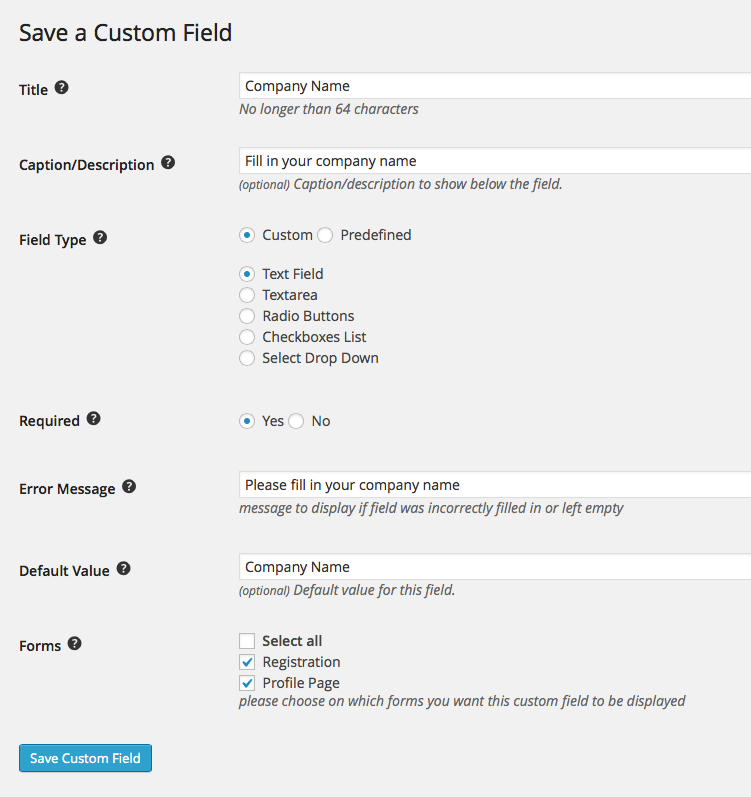
Save Custom Fields
Add new custom fields and edit existing ones. Save each custom field according to your preference and specify whether it should be required/mandatory.
-

Manage Custom Fields
Manage all your custom user fields in one section where you can page through your fields and search for specific ones. Add, edit and delete custom fields as needed.
-

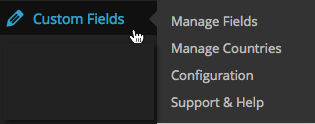
Top Menu
Quickly access your Custom Fields plugin from the WordPress administration menu.


Plugin Support
Demonstration
- User/client side
- Administration panel
(log in with username/password demo)